
Access Colorado Court Records
Colorado court records are public documents. You can search them online or in person. The state has 64 counties. Each one keeps court records at local courthouses. District courts hear major cases. County courts handle smaller matters. You can find civil cases, criminal filings, and family court records. The Colorado Judicial Branch provides tools to access these records. Many records are now online. Some still require a visit to the courthouse.
Colorado Court Records Quick Facts
Colorado Judicial Branch Court System
The Colorado Judicial Branch runs the state court system. It is separate from the executive and legislative branches. The Supreme Court sits at the top. Seven justices serve ten-year terms. The Chief Justice leads the entire system. Below the Supreme Court is the Court of Appeals. It has 22 judges. They serve eight-year terms. This court hears appeals from lower courts.
District Courts are the main trial courts in Colorado. They hear civil cases of any amount. They also handle criminal cases, domestic relations, juvenile matters, probate, and mental health cases. County Courts are below District Courts. They hear civil cases under $25,000. They handle misdemeanors, traffic infractions, and small claims. County courts also process felony complaints. These may be sent to district court.
Colorado also has Water Courts. There are seven of them. One exists in each major river basin. Water judges are district judges. They hear cases about water rights and usage. You can learn more about the state court structure at the Colorado Judicial Branch website.
The Colorado Judicial Branch main page shows the full court structure. You can find links to all court types. The site explains how courts work. It lists all 64 counties. You can find your local courthouse. The main portal is the starting point for all court record searches in Colorado.
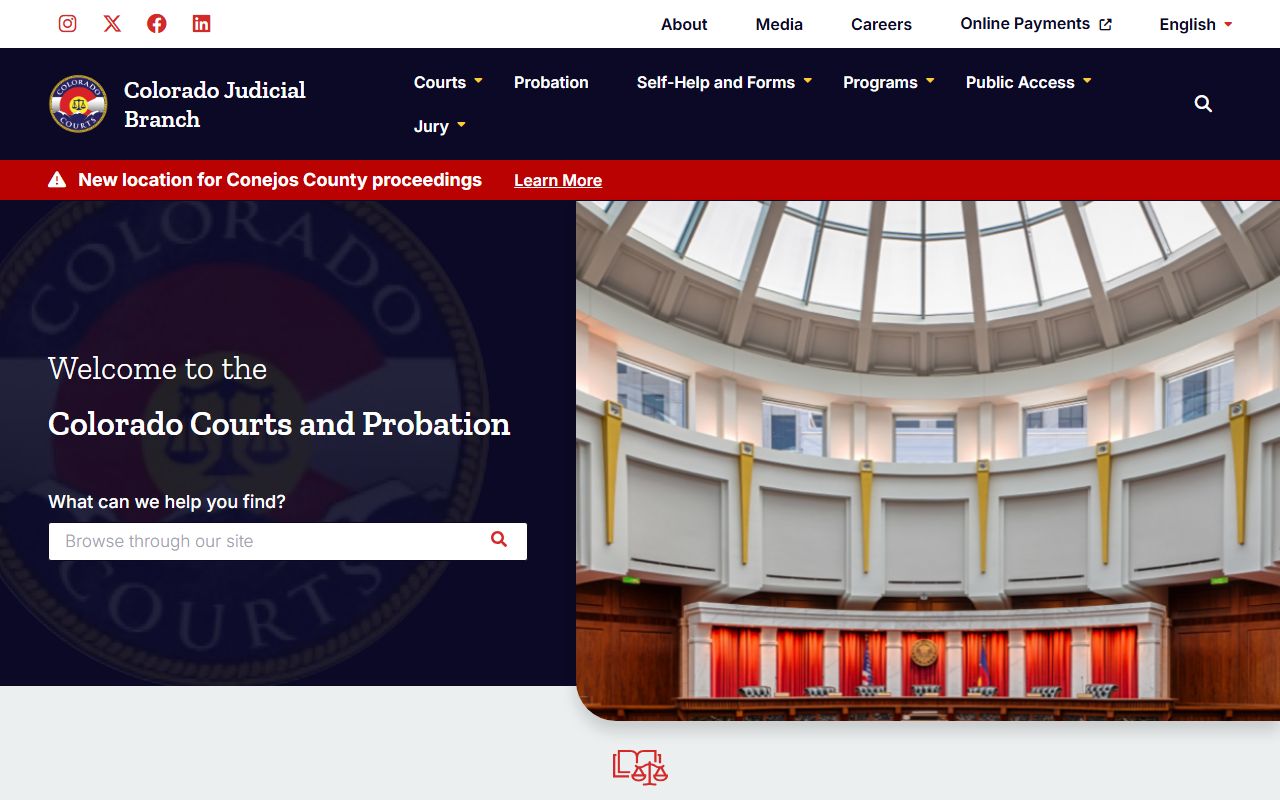
The state portal helps you find cases. It links to docket searches. You can find court forms. It has self-help resources. The site is the main hub for court information in Colorado.
Public Access to Colorado Court Records
Colorado law allows public access to court records. The Colorado Open Records Act governs this. So does the Criminal Justice Records Act. Court records are open for inspection. You can view them at reasonable times. You do not need to give a reason. You do not need to be a party to the case.
The Access Guide to Public Records explains how to request court records. You can submit requests online. The form asks for case details. You need the case number if you have it. You need the case type and year filed. You need the county where the case was heard. You also need party names. The guide is at coloradojudicial.gov/access-guide-public-records.
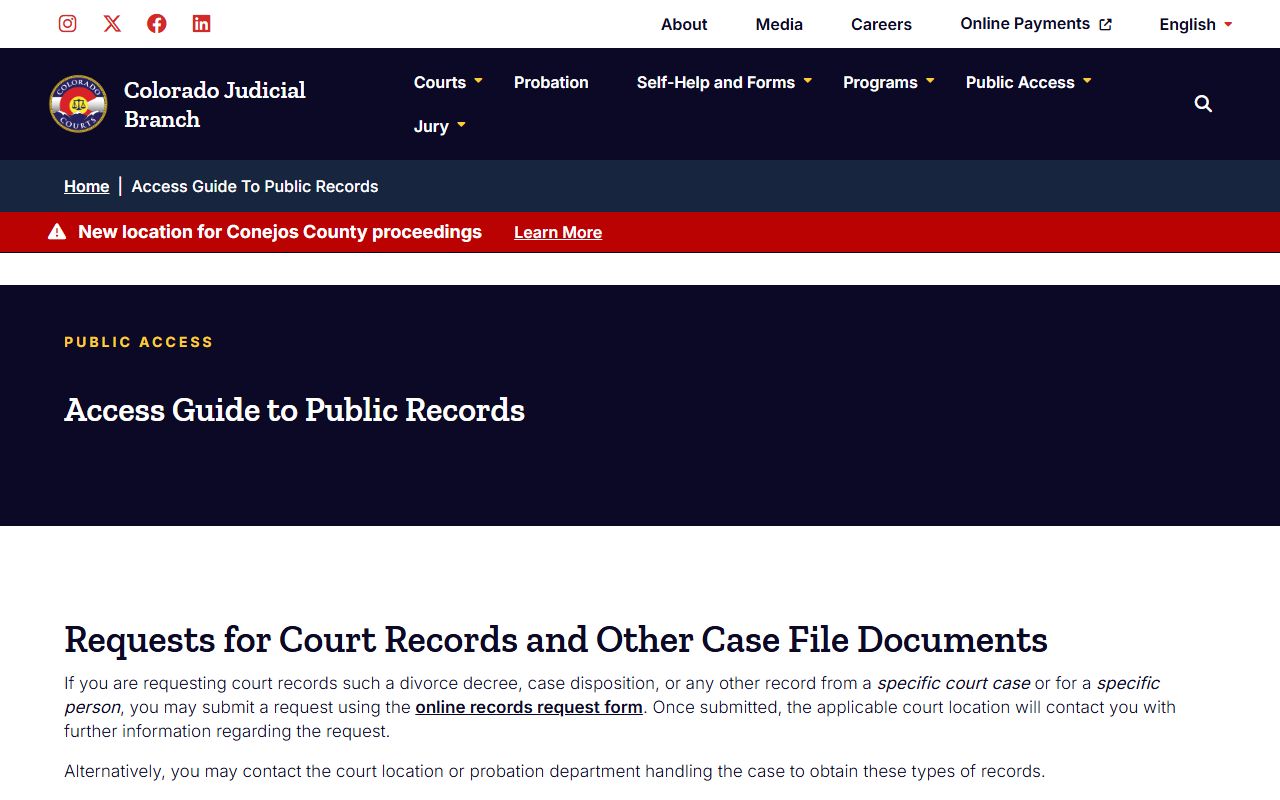
Most requests get a response within three business days. Some take longer. Complex requests may need more time. The custodian can deny access in some cases. This happens if the law prohibits disclosure. It can happen if a court order seals the record. Denial may occur if release hurts the public interest.
Records covered by the Criminal Justice Records Act have different rules. Response times vary. The custodian has more discretion. They can deny records if release is contrary to public interest. You can read more about these rules at the public access guide page.
Requesting Colorado Court Records Online
The Colorado Judicial Branch has an online records request form. You can use it to get specific documents. This includes divorce decrees. It covers case dispositions. You can request any record from a specific case. The form is easy to use. You fill in the details. You submit it online.
The online form asks for key information. You need the case number. An example is 2019T999999. You need the case type. Options include civil, criminal, divorce, and probate. You need the year the case was filed. The form covers years from 1873 to 2026. You need the county where records are stored. Party names are required. A date of birth helps if you know it.
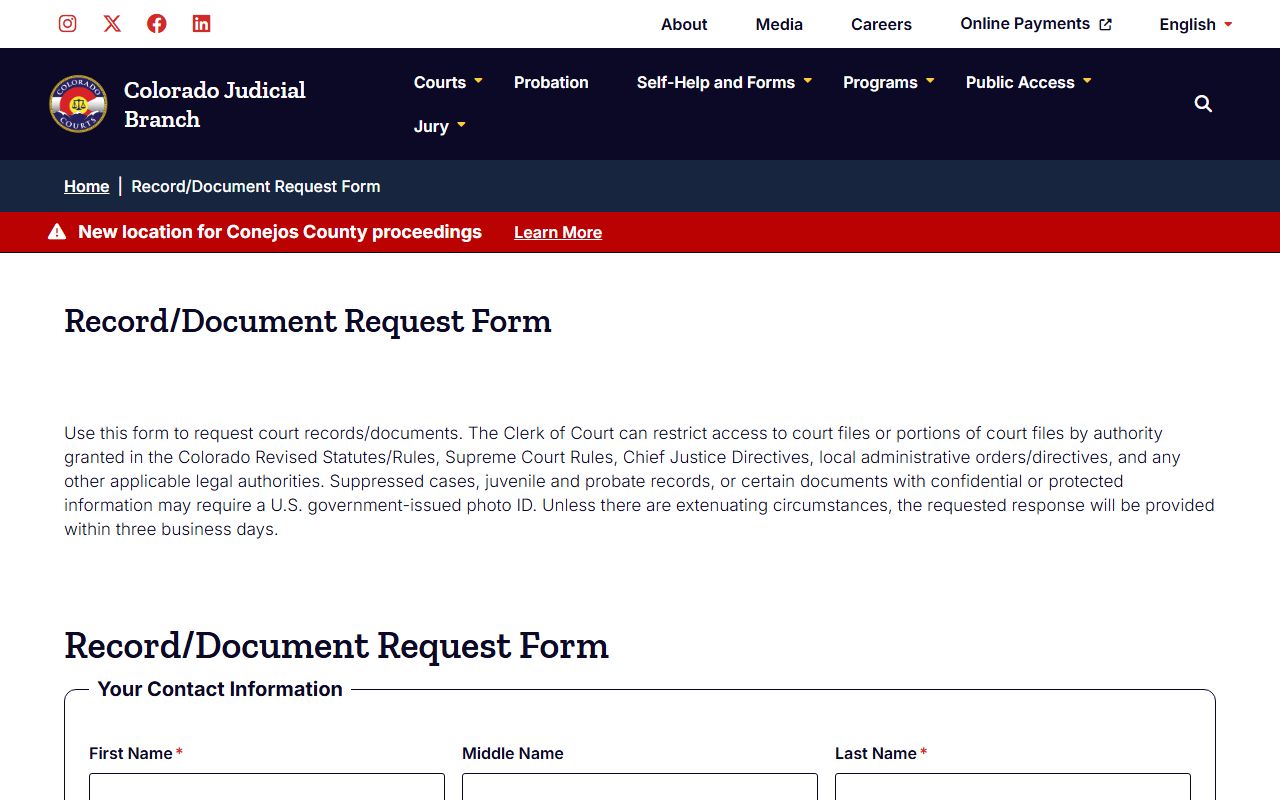
You can request many document types. Family matters include divorce decrees. You can get parenting plans. Separation agreements are available. Support orders can be requested. Criminal matters include complaints. You can get disposition orders. Protection orders are available. Tickets can be requested. Civil matters include judgments. Transcripts of judgment are available. You can get satisfactions of judgment. Probate records include wills. Trusts can be requested. Letters and petitions are available.
Note: The online request form is the best way to get specific documents from Colorado courts.
Colorado Court Docket Search
Colorado offers a free statewide docket search. You can find court schedules. You can see what cases are coming up. The search covers all 64 counties. It includes both county and district courts. You can search by location. You can search by court type. Date ranges help narrow results.
The docket search has many filters. You pick the location from a dropdown. You can choose a judicial district. You can pick a county. You can select a specific courthouse. Court type filters let you choose county, district, or both. Date ranges include six months, three months, one month, one week, or today. You can also pick a specific date.
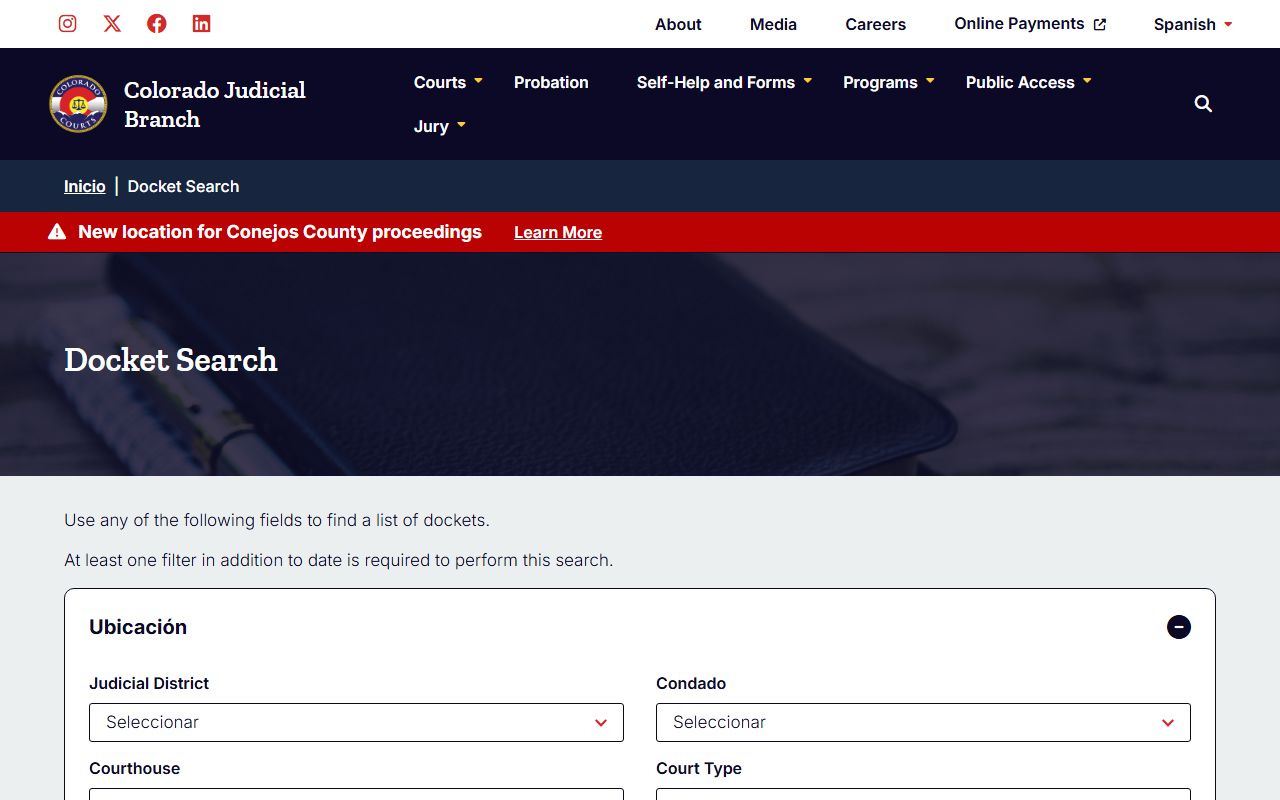
Case number search is available. You need the four-digit year. You need the case class. Classes include CV for civil. CR is for criminal. DR is for domestic relations. JV is for juvenile. You need the case sequence number. Party search lets you look by name. You can search for individuals. You can search for businesses. Attorney search is also available. You can search by attorney name. You can search by bar number.
The docket search is free. It is updated regularly. You can find it at coloradojudicial.gov/dockets. It is a useful tool for finding case information.
Finding Colorado Trial Courts by County
Colorado has trial courts in all 64 counties. Each county has its own court page. The state provides a directory. You can find your local court. The directory lists all counties. It links to each court's page. You can find addresses. You can find phone numbers. You can find hours.
The trial courts directory is at coloradojudicial.gov/trial-courts-county. You can browse by county name. The list is alphabetical. It starts with Adams County. It ends with Yuma County. Each link goes to the county court page.
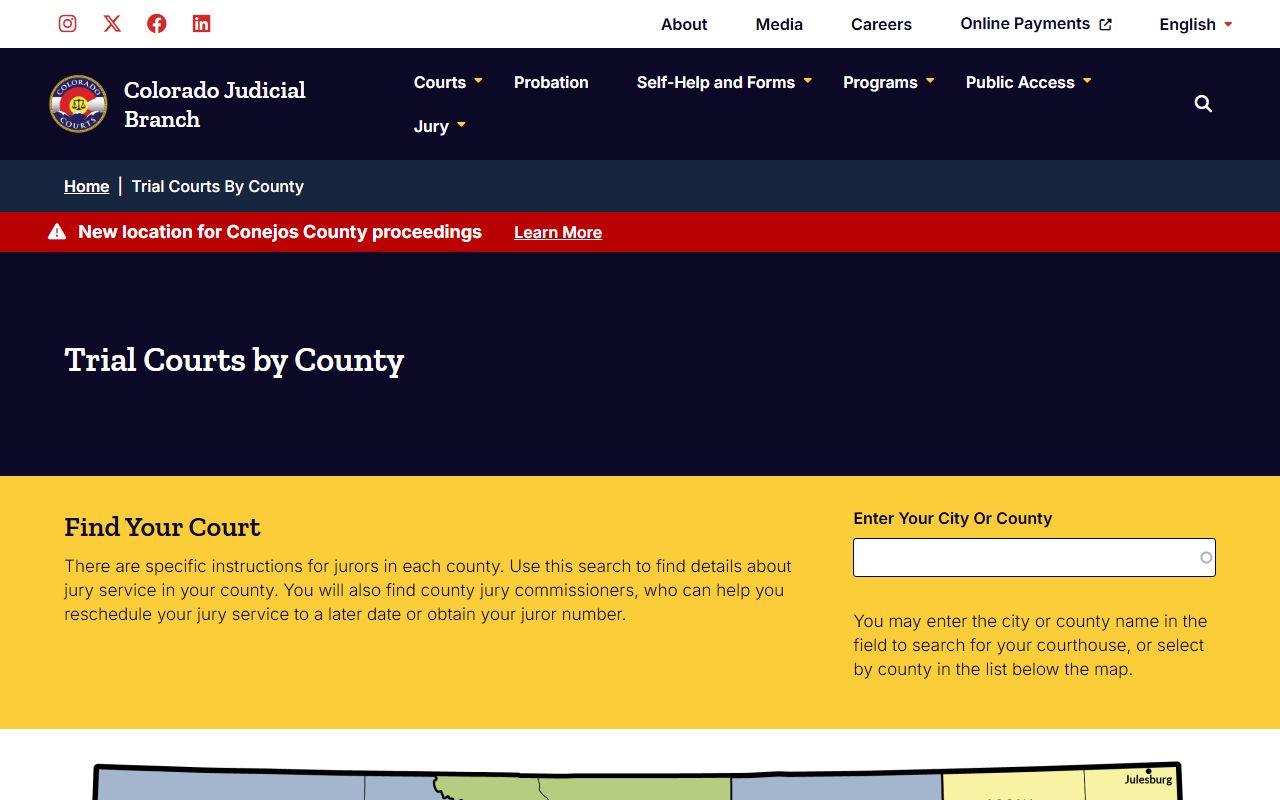
County pages have useful details. They list courthouse locations. They show clerk office hours. They have phone numbers. Some have email contacts. They list services available. Many have records request info. Some have local fee schedules.
You can also find judicial district info. Some districts cover multiple counties. The 4th District covers El Paso and Teller. The 18th District covers Arapahoe, Douglas, Elbert, and Lincoln. Knowing your district helps with appeals.
Third-Party Colorado Court Record Services
The Colorado Judicial Branch does not provide online case records directly. Instead, they work with third-party vendors. These vendors offer online access. They charge fees for searches. Three main vendors exist. Each offers different services.
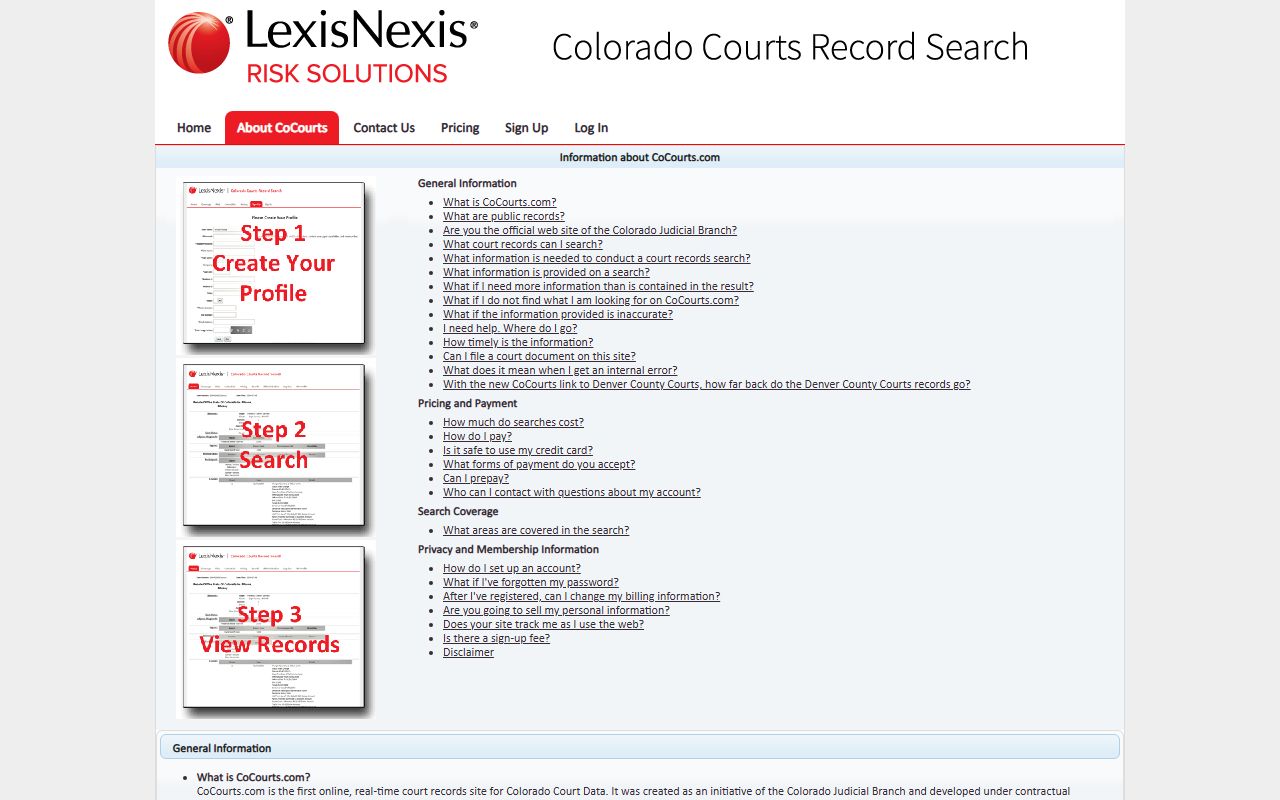
CoCourts.com is the main vendor. It is run by LexisNexis. It was created as a state initiative. The site offers real-time court records. You can search open and closed cases. It covers district courts. It covers county courts. You can search by name. You can search by case number. Learn more at CoCourts About page.
CoCourts pricing is straightforward. All searches are $10 or less. Denver County searches cost $5. Rest of state searches cost $5. Statewide combination searches cost $10. You have 24 hours to review results. This is after your first search. You can view results again. You will not be charged twice.
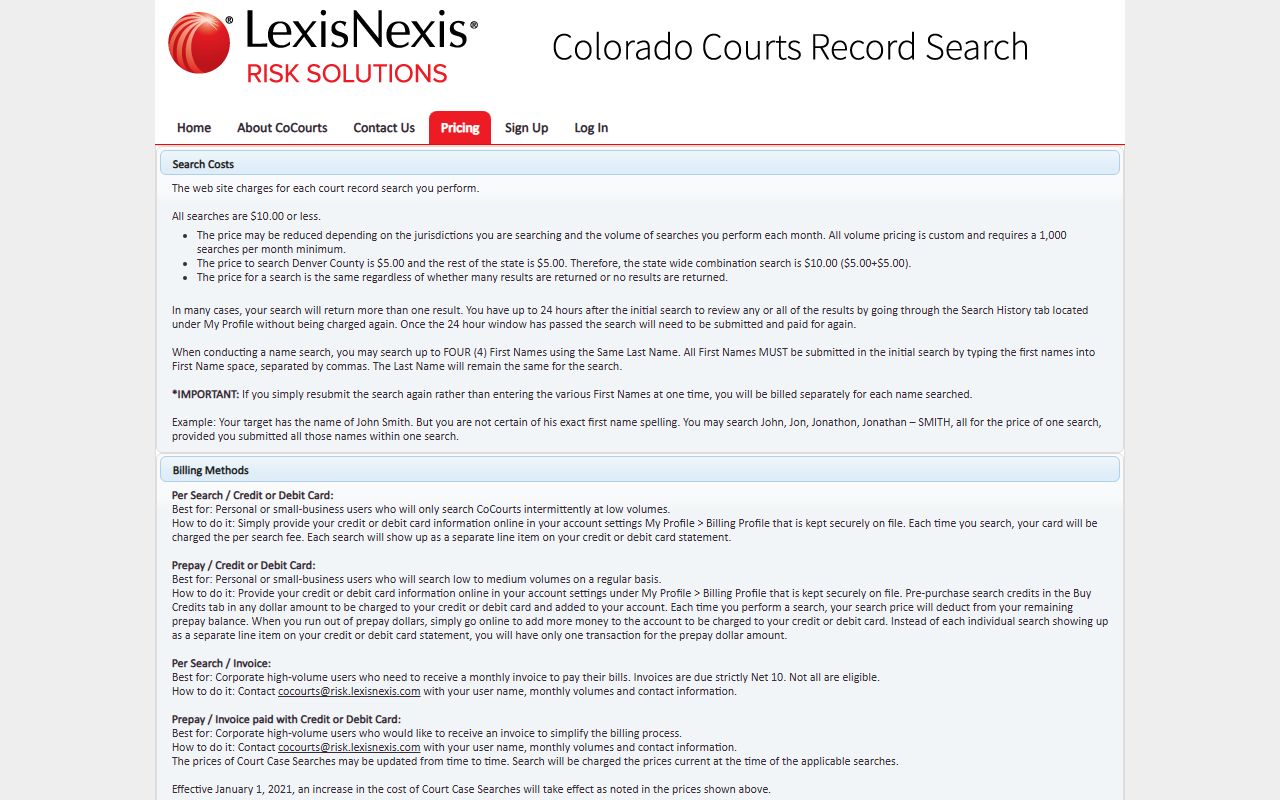
You can search up to four first names. They must share the same last name. List them in your first search. Separate them with commas. This helps find people with common names. CoCourts covers records from the 1970s for many counties. Rural counties often start in the 1990s.
Other vendors include Background Information Services. They serve both consumers and businesses. Tessera Data serves businesses only. You can find more about third-party options at the state access guide page.
Record Sealing in Colorado Courts
Colorado allows some court records to be sealed. Sealing hides records from public view. The records still exist. Only certain people can see them. Law enforcement can still access them. Some agencies have access. The public cannot see sealed records.
The Judicial Branch provides self-help resources. You can find forms online. You can learn the process. Different forms exist for different cases. Arrest records have their own forms. Convictions use other forms. Municipal court cases have separate forms. Juvenile records work differently. They can be expunged.
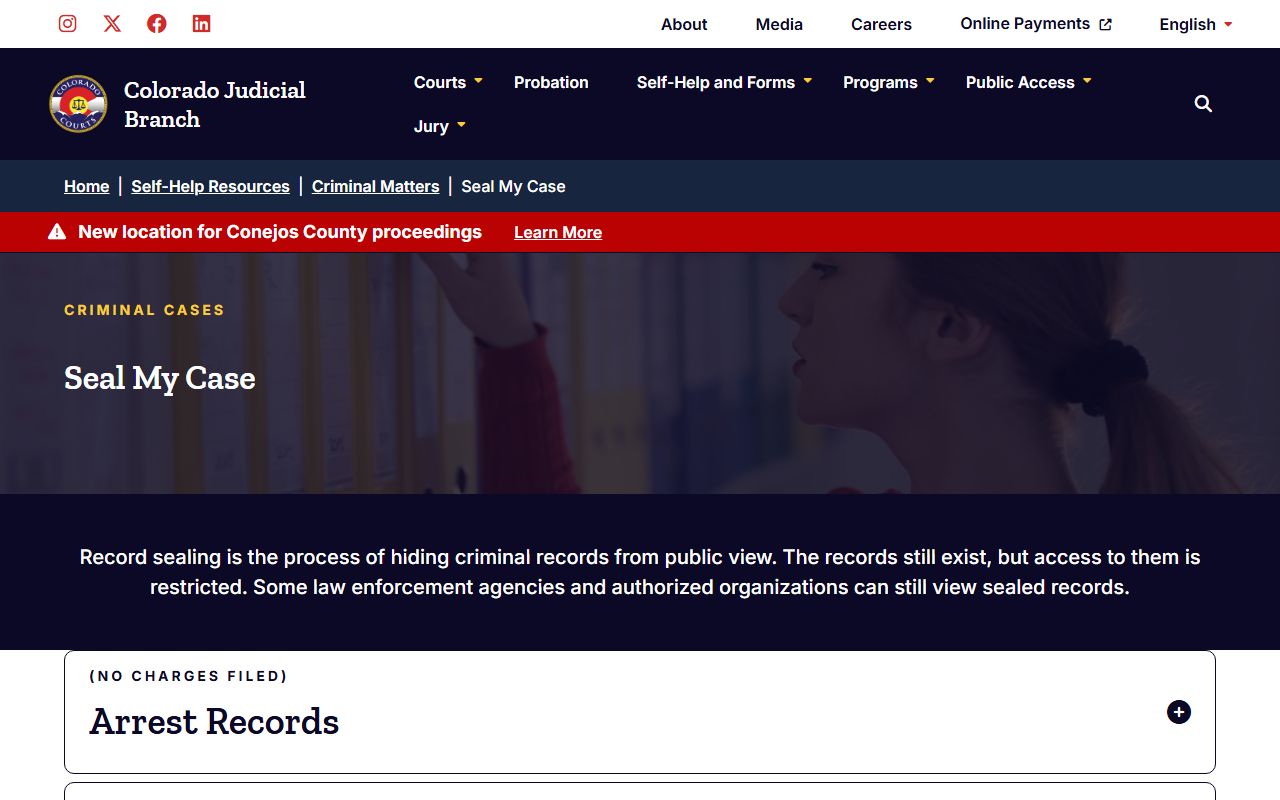
Forms use JDF numbers. JDF 416 has instructions. JDF 417 is the petition. JDF 418 is the order. These are for arrest records. Convictions use JDF 611 through 615. Municipal courts use JDF 682 through 686. Juvenile cases use JDF 301 through 326. You can find all forms at coloradojudicial.gov/self-help/seal-my-case.
Some records seal automatically. This happens for eligible non-convictions. It happens for some convictions under statute 13-3-117. You can check if a record is sealed. Use the sealed case search tool. It is at coloradojudicial.gov/sealed-case. Only defendants can use this tool. You need your case number. You need personal details. You need a driver's license or social security number.
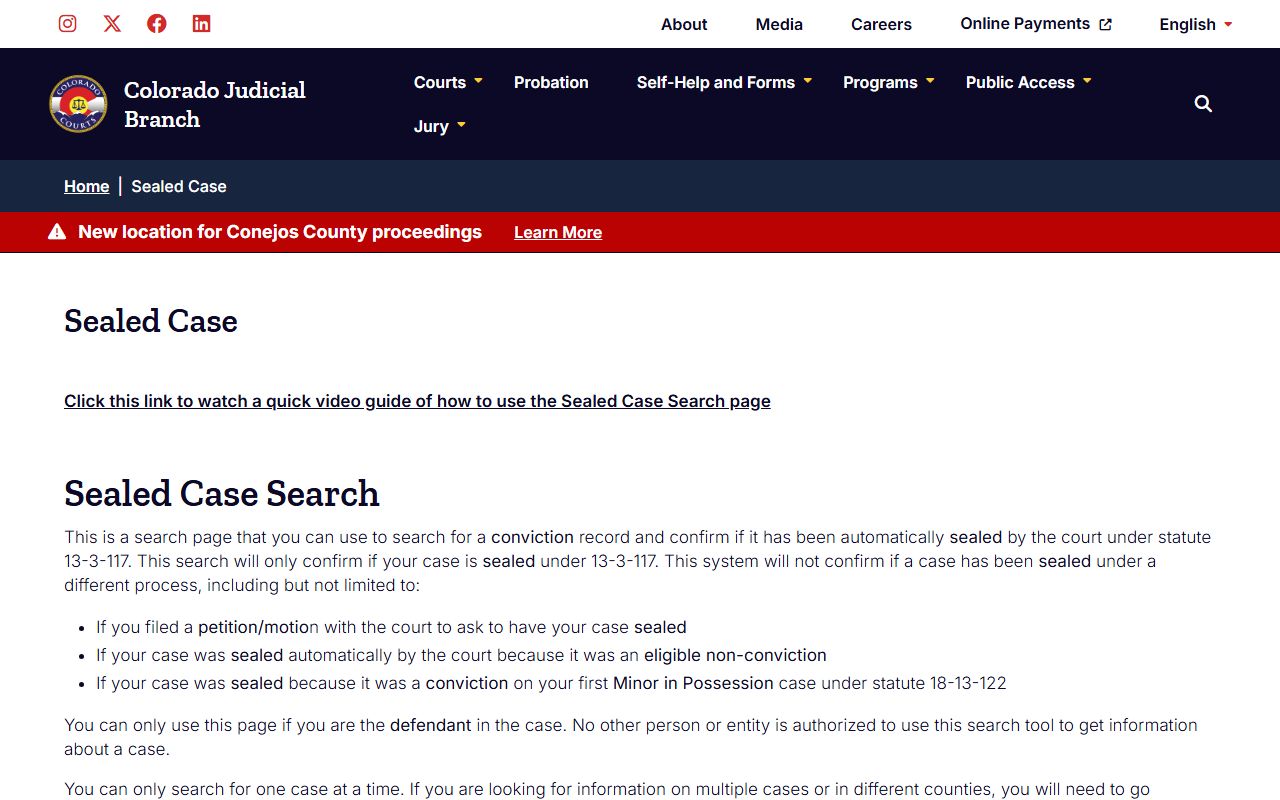
Note: Traffic offenses cannot be sealed in Colorado. This includes DUI convictions.
Colorado Court Record Copy Fees
Getting copies of court records costs money. The state has a fee schedule. It is set by Chief Justice Directive 06-01. Fees are the same across courts. Each court may add local fees. Always check with the court first.
Standard copy fees are simple. Copies cost $0.25 per page. This is for paper copies. Electronic copies may cost the same. Some courts charge less for electronic copies. Transcripts of judgment cost $25. Certificates of satisfaction cost $20. Certified copies cost $20 per document. This is the fee for each document. Not each page.
Name searches cost $5. This is when the clerk must search by name. Off-site case retrieval costs actual cost. This is when files are stored off-site. Research and redaction fees apply after the first hour. The rate is $30 per hour. This is billed in 15-minute increments.
Some people qualify for fee waivers. Parties to their own case pay less. They pay a maximum of $15. This covers all pages. This applies to them and their lawyers. Non-parties pay full fees. Fee waivers are required under some laws. CJD 06-01 covers this. So does section 13-32-104 of Colorado law.
Browse Colorado Court Records by County
Each of Colorado's 64 counties keeps court records. You can search at the local courthouse. You can also use online tools. Pick a county below to learn more.
Colorado Court Records in Major Cities
Major cities in Colorado have municipal courts. These handle local cases. County and district courts serve larger areas. Pick a city to learn more.